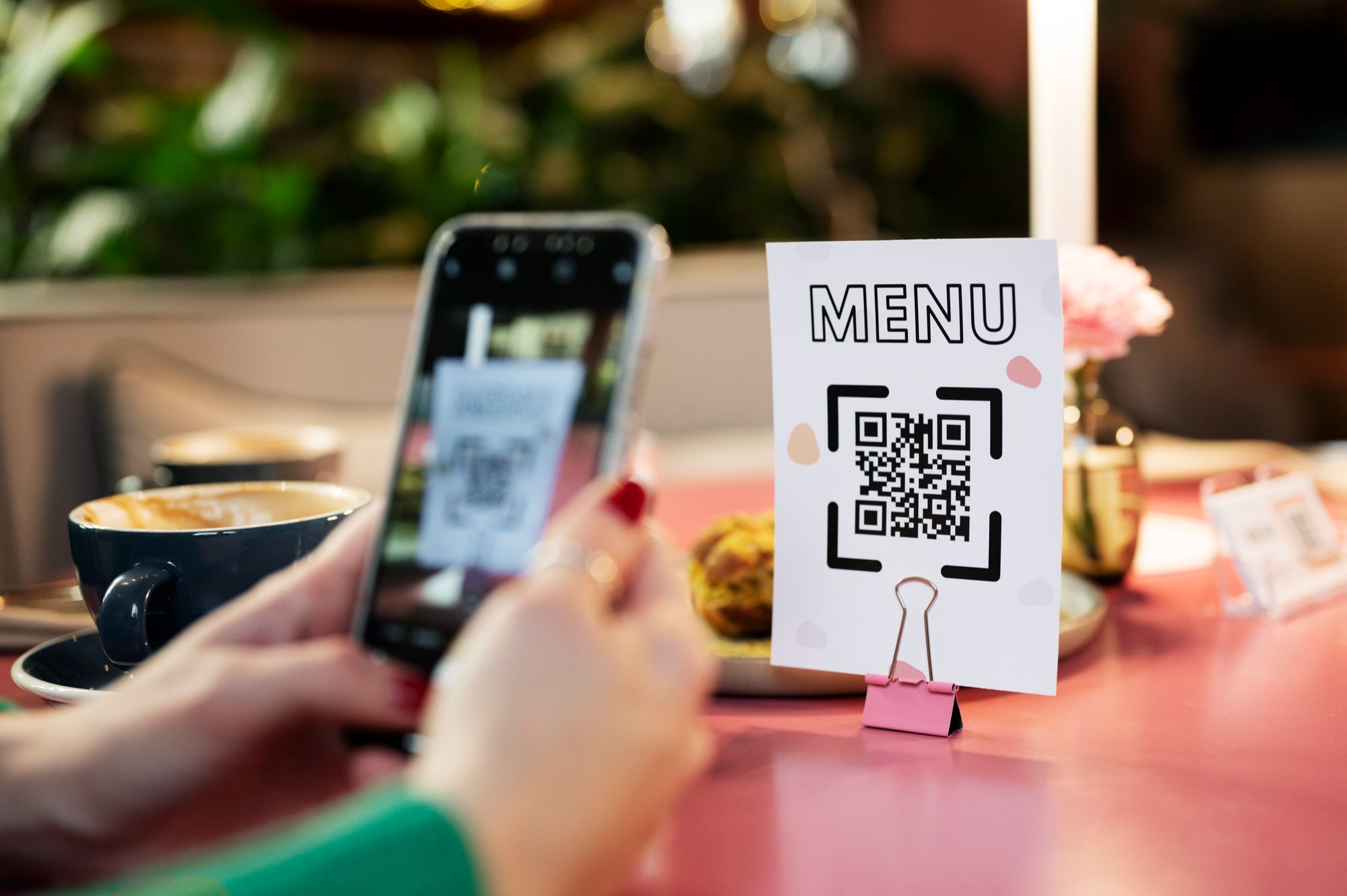
The restaurant industry is rapidly moving toward contactless, digital, and efficient dining experiences. One of the most effective upgrades restaurants can adopt today is a QR Menu with table-side ordering. From reducing costs to improving service speed, QR menus are transforming how restaurants operate.
In this guide, we’ll explain what a QR menu is, how to generate one, and how to implement table QR codes successfully in your restaurant.
What Is a QR Menu?
A QR Menu is a digital version of your restaurant menu that customers can access by scanning a QR code using their smartphone. Instead of printed menus, guests simply scan the QR placed on the table and view the menu instantly.
Modern QR menus can also support:
- Food images & descriptions
- Prices and offers
- Customizations and add-ons
- Online ordering and bill requests
Why Restaurants Are Switching to QR Menus
Key Benefits of QR Menus
- Contactless dining experience
- No printing or reprinting costs
- Instant menu updates
- Faster order placement
- Reduced waiter dependency
- Better customer satisfaction
QR menus are especially popular in fine-dining restaurants, cafés, food courts, QSRs, and multi-chain restaurants.
Step-by-Step: How to Generate a QR Menu
Step 1: Create Your Digital Menu
Use restaurant software like Restrora to:
- Add menu categories and items
- Upload food images
- Set prices, taxes, and availability
- Enable add-ons and variants
Your digital menu will automatically generate a unique web link.
Step 2: Generate QR Code
Once your menu is ready:
- Convert the menu link into a QR code
- Use high-resolution QR for easy scanning
- Test QR scanning on multiple phones
Restrora automatically generates QR codes for your menu and tables.
Step 3: Design Table QR Stands
Place the QR code on:
- Table tents
- Acrylic stands
- Stickers on tables
- Menu holders
Include simple instructions like:
“Scan to View Menu & Order”
Implementing Table QR in Your Restaurant
Table-Wise QR Codes
Each table gets a unique QR code, allowing:
- Table-specific order tracking
- Accurate order routing to kitchen
- Easy bill generation
This eliminates confusion during peak hours.
Order Flow with Table QR
- Customer scans QR code
- Menu opens on phone
- Customer selects items
- Order is placed digitally
- Kitchen receives order instantly
- Service staff delivers food
Optional features include:
- Request bill
- Call waiter
- Pay online
Best Practices for QR Menu Implementation
- Ensure good lighting for easy scanning
- Use stable internet or PWA-based systems
- Keep QR stands clean and visible
- Train staff to assist first-time users
- Always keep a backup printed menu
QR Menu with Online Ordering & Billing
Advanced QR systems like Restrora QR Menu allow:
- Direct order placement from table
- Integration with POS billing
- Real-time inventory sync
- Faster table turnover
This reduces manual errors and improves service speed.
Is QR Menu Suitable for All Restaurants?
Yes. QR menus are ideal for:
- Fine-dine restaurants
- Cafés & coffee shops
- QSR & fast food outlets
- Food courts
- Cloud kitchens
- Multi-chain restaurants
Why Choose Restrora for QR Menu Implementation?
With Restrora Restaurant Software, you get:
- Instant QR menu generation
- Table-wise QR management
- POS, kitchen, and inventory integration
- Online ordering & payment support
- Works on mobile, desktop, and PWA
Final Thoughts
Implementing a QR menu with table QR codes is no longer optional — it’s a smart move toward modern restaurant operations. It improves efficiency, reduces costs, and delivers a seamless dining experience your customers expect.
If you’re looking to implement QR menus quickly and professionally, Restrora makes it simple, fast, and scalable.